Startups without IT
You're 10–100 people, no dedicated admin, and access requests land in someone's DMs.
Install, assign owners, then let your team request access in Slack. Five minutes of setup; one click per request from then on.
You're 10–100 people, no dedicated admin, and access requests land in someone's DMs.
Your founders or eng leads approve tool access today. Cookie Jar gives them a one-click path instead of a Notion doc.
You've got 30+ tools across the workspace and nobody can answer who has Figma.
Auditors and procurement teams want an access log. Cookie Jar gives you a queryable record per tool, per person, per date — helpful evidence on the path to SOC 2 even though we don't carry the cert ourselves yet.
Cookie Jar manages access to SaaS apps directly in Slack. The audit trail is in the dashboard.
+ 12 more, or add your own.
A one-minute walkthrough: install, assign owners, request, approve. No narrator, no fluff.
No IT ticket. No procurement call. One Slack admin clicks Add to Slack — three steps later, your team is requesting cookies.
Workspace admin or owner installs Cookie Jar in one click. 24 common tools are pre-loaded — GitHub, Figma, Jira, Notion, AWS, and 19 more.
Open the Shelf in the dashboard. Add one or more owners per tool — head of design owns Figma, head of eng owns GitHub. Two minutes saves a hundred DMs.
Anyone types /cookie [tool] in Slack. Owners get a DM with Approve / Deny buttons. One click resolves the request. Audit log captures it.
When someone leaves, the admin runs /cookie revoke @user all — Cookie Jar lists every tool they're on and yanks them in one click. The owner who clicks Approve also clicks Remove in the actual SaaS app. Cookie Jar tracks who should be removed; humans do the removing. The leave flow (per-tool checklist + 24h nags + final "Remove forever" gate) ships on Pro.
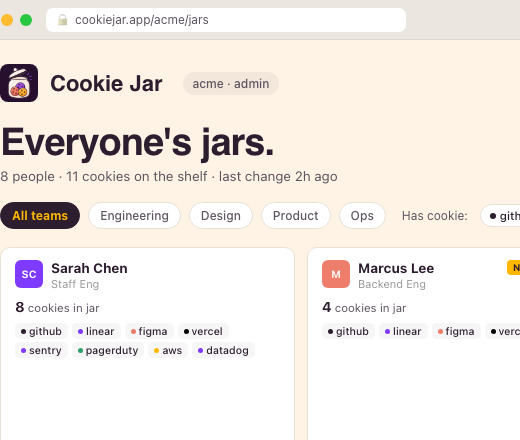
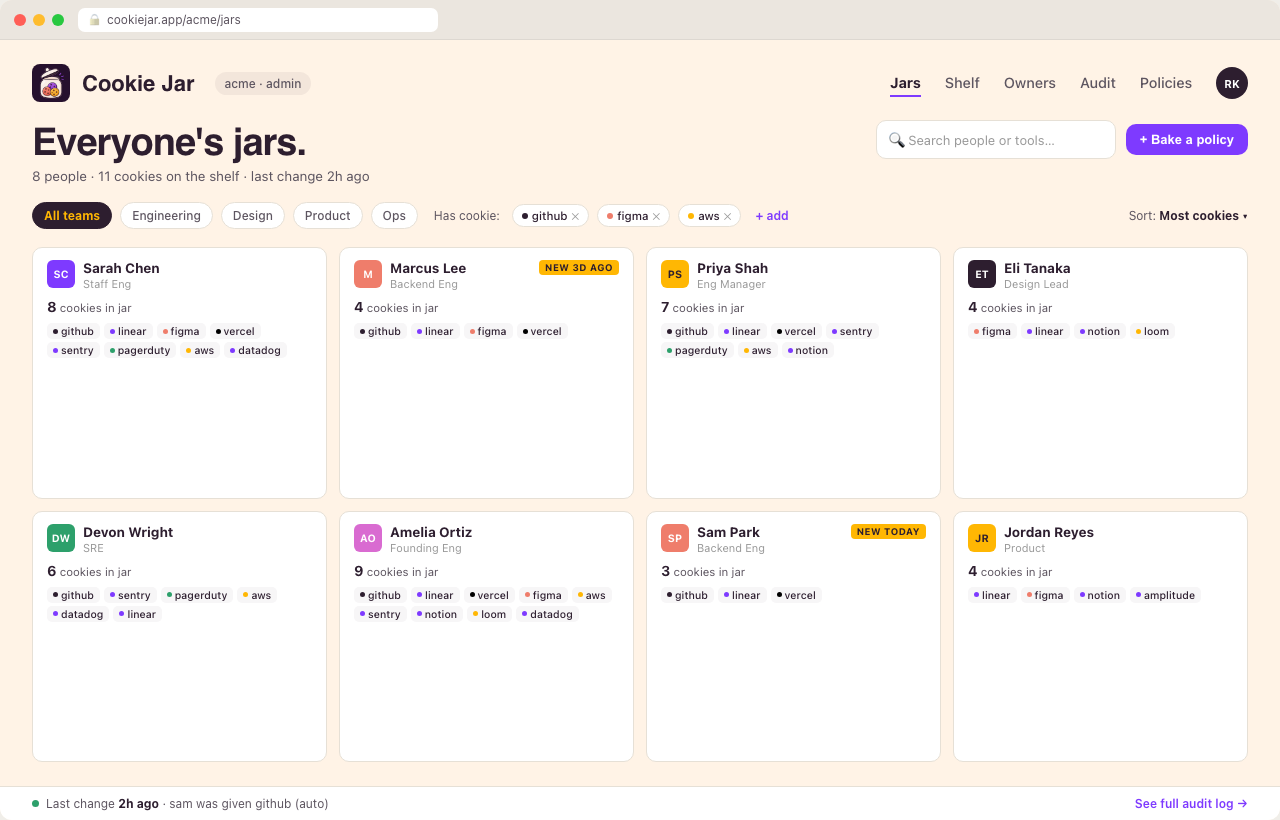
Person cards. Tool badges. Filter, search, audit. The dashboard is for monthly review — not daily ops. Your team lives in Slack; you check in here when you want the full picture.